
Windows dictation that works everywhere
Press a hotkey and dictate into any app on Windows — Word, Outlook, your browser, Slack, your editor. Fast, private, on-device transcription with AI cleanup and your own vocabulary.
Free download. No account required.
Windows Voice Typing only gets you so far
Windows 11 has Voice Typing built in (Win+H), and it's handy for a quick note. But it trails off on longer passages, fumbles names and jargon, gives you little control over formatting, and the dictation window can feel bolted on rather than built for sustained work. For real writing, most people give up and go back to the keyboard.
Vowen is purpose-built dictation for Windows. It runs on-device for speed and privacy, learns the words you actually use, and types directly wherever your cursor is — then can clean up the text with AI so you're not fixing filler words and stray punctuation by hand.
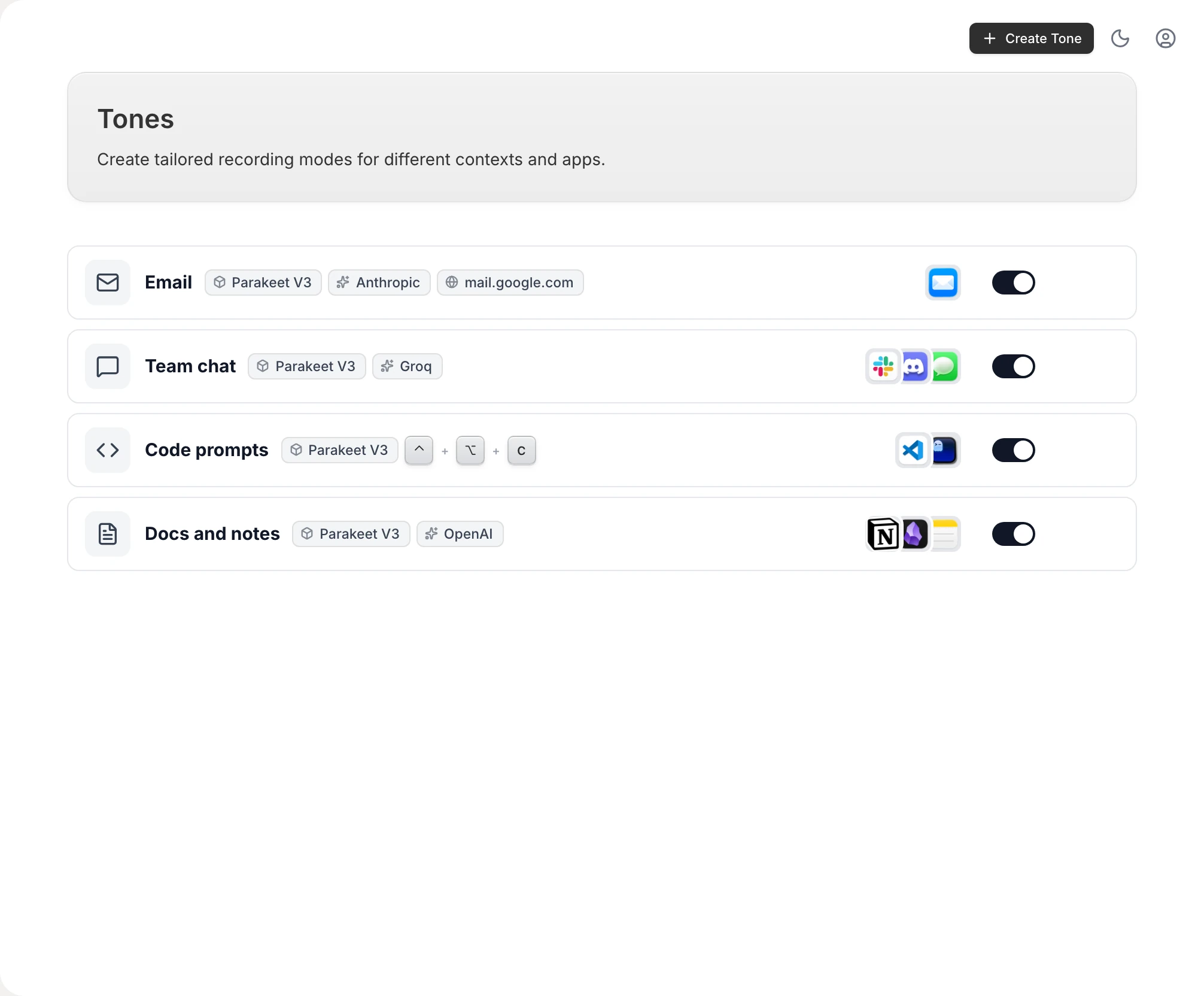
Dictation that keeps up with your work
Works in every app
A global hotkey lets you dictate into any text field on Windows — Word, Outlook, Chrome, Slack, your IDE — with no per-app setup and no copy and paste.
On-device & private
Vowen transcribes locally using fast on-device models, so your voice doesn't have to leave your PC. Cloud models are optional and only used if you enable them.
Custom vocabulary
Teach Vowen the names, acronyms, and technical terms you use, and it remembers them so you're not correcting the same word every time.
AI cleanup
Optionally turn raw speech into polished text — filler removed, punctuation fixed, formatted the way you want — using your own AI provider key.
Set up voice to text on Windows
- 1
Download Vowen for Windows
Install the free app. It runs on Windows 10 and 11 (x64).
- 2
Pick your hotkey
Choose the shortcut you'll press to dictate — it works system-wide, across every app.
- 3
Add your vocabulary (optional)
Drop in names, acronyms, and jargon so Vowen gets your specialized terms right from the start.
- 4
Start dictating
Put your cursor anywhere, press the hotkey, and speak. Your words appear as text.
Common questions.
Still deciding? Ask us anything.
How is Vowen different from Windows Voice Typing?
Windows Voice Typing (Win+H) is convenient for short bursts. Vowen is built for sustained, real-world use: it handles long-form speech, learns your custom vocabulary, offers AI cleanup, and gives you more control over formatting and accuracy.
Does dictation work in any Windows app?
Yes. Vowen types wherever your cursor is via a global hotkey, so it works in virtually any app with a text field — from Word and Outlook to Slack, your browser, and your code editor.
Is my voice processed on-device?
By default, yes. Vowen uses on-device models so your audio stays on your PC. Cloud models are optional and only used if you enable them with your own key.
What version of Windows do I need?
Vowen runs on Windows 10 and Windows 11 (64-bit). There's no account required to get started.
More in Voice to text.
Speech to text that works with the Wi-Fi off
Vowen transcribes on-device by default: your voice is processed locally on your Mac or PC, not on someone's server. Dictate on a plane, in the field, or on a locked-down network — and keep sensitive audio on your machine, always.
OpenVoice to text · MacVoice to text on Mac that works everywhere
Press a hotkey and dictate into any app on your Mac — notes, email, Slack, your editor. Fast, private, on-device transcription with AI cleanup and your own vocabulary.
Open
Talk instead of type on Windows
Download Vowen free and add system-wide voice to text to Windows in minutes.