Beyond meetings.
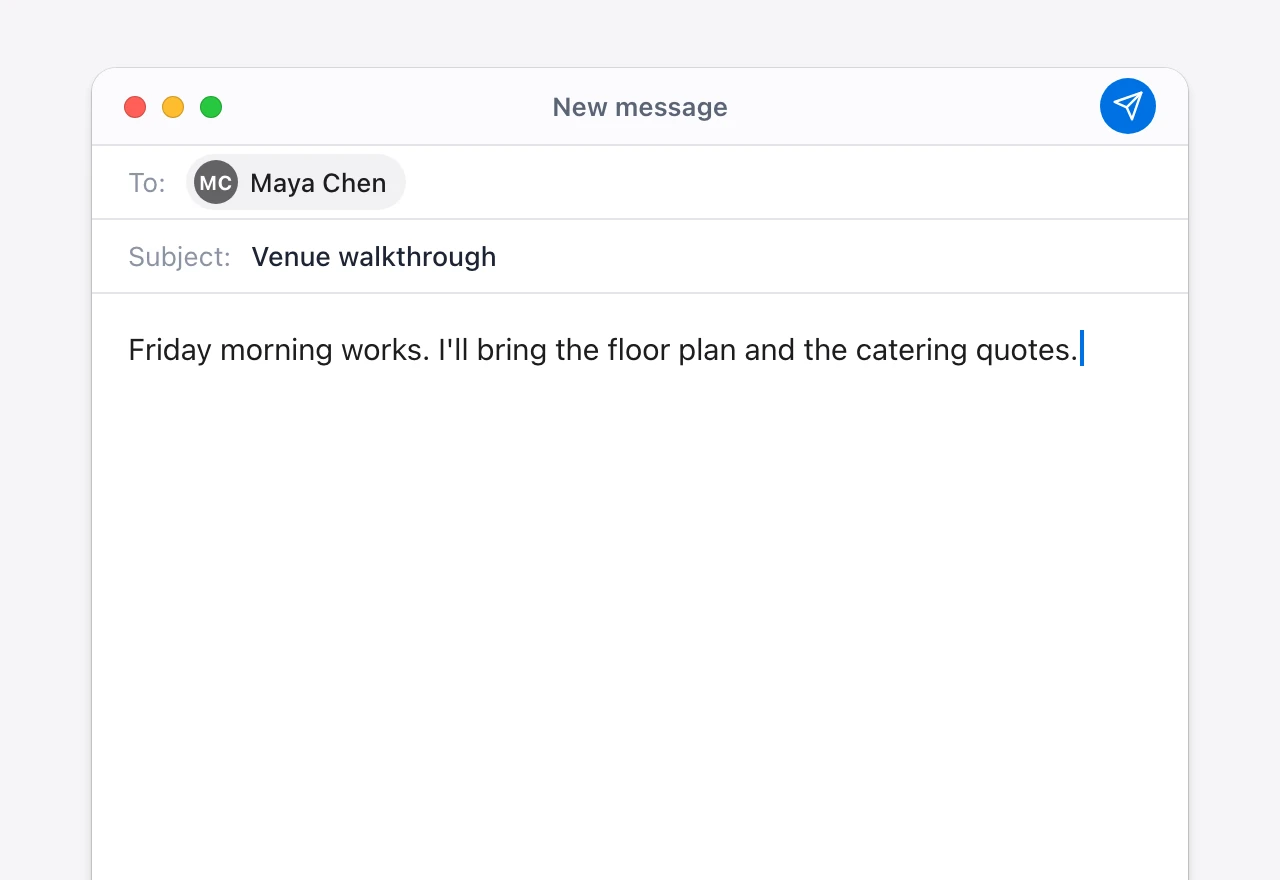
Granola lives inside the meeting. Vowen captures meetings too, then keeps working everywhere else: dictate into any app, use Command Mode on a selection, and trigger voice shortcuts. One voice layer for the whole computer.
Granola is a polished, purpose-built meeting notetaker. Vowen captures meetings too, on-device if you like, and keeps working everywhere else: dictation, voice commands and voice shortcuts across your whole computer.
Free forever for dictation. Mac and Windows. No account required.
 GranolaVowen
Granola is one of the best dedicated meeting notetakers around. These are the areas where it shines.
Granola's signature move: you jot rough notes during the call, and it turns them into a clean summary afterwards. For people in back-to-back meetings, that workflow is genuinely excellent.
Nothing joins your call. Granola listens to your computer's audio directly, so there is no meeting bot in the participant list. Clean, low-friction capture.
Discovery calls, 1:1s, standups and user interviews. Granola's templates are tuned for specific meeting types, so summaries come out structured the way you want.
Granola's AI chat answers questions about your transcripts, and on paid plans it reasons across many meetings at once. As a searchable memory of what was said, it is strong.
Four decisions that separate Vowen's approach from Granola's.
Granola lives inside the meeting. Vowen captures meetings too, then keeps working everywhere else: dictate into any app, use Command Mode on a selection, and trigger voice shortcuts. One voice layer for the whole computer.
Granola sends meeting audio to cloud transcription. Vowen lets you run Parakeet or Whisper on your machine, or bring your own key for a cloud model.
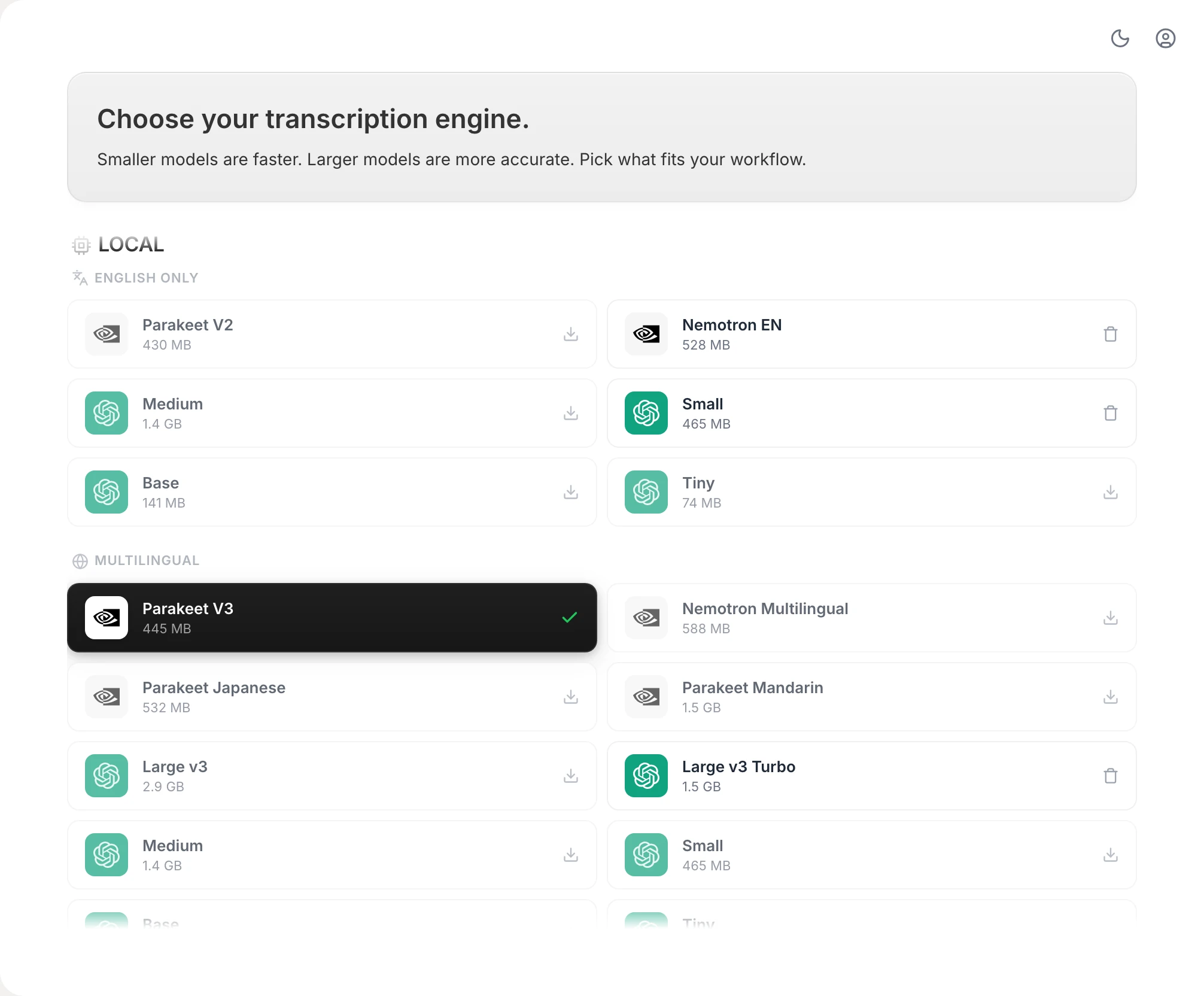
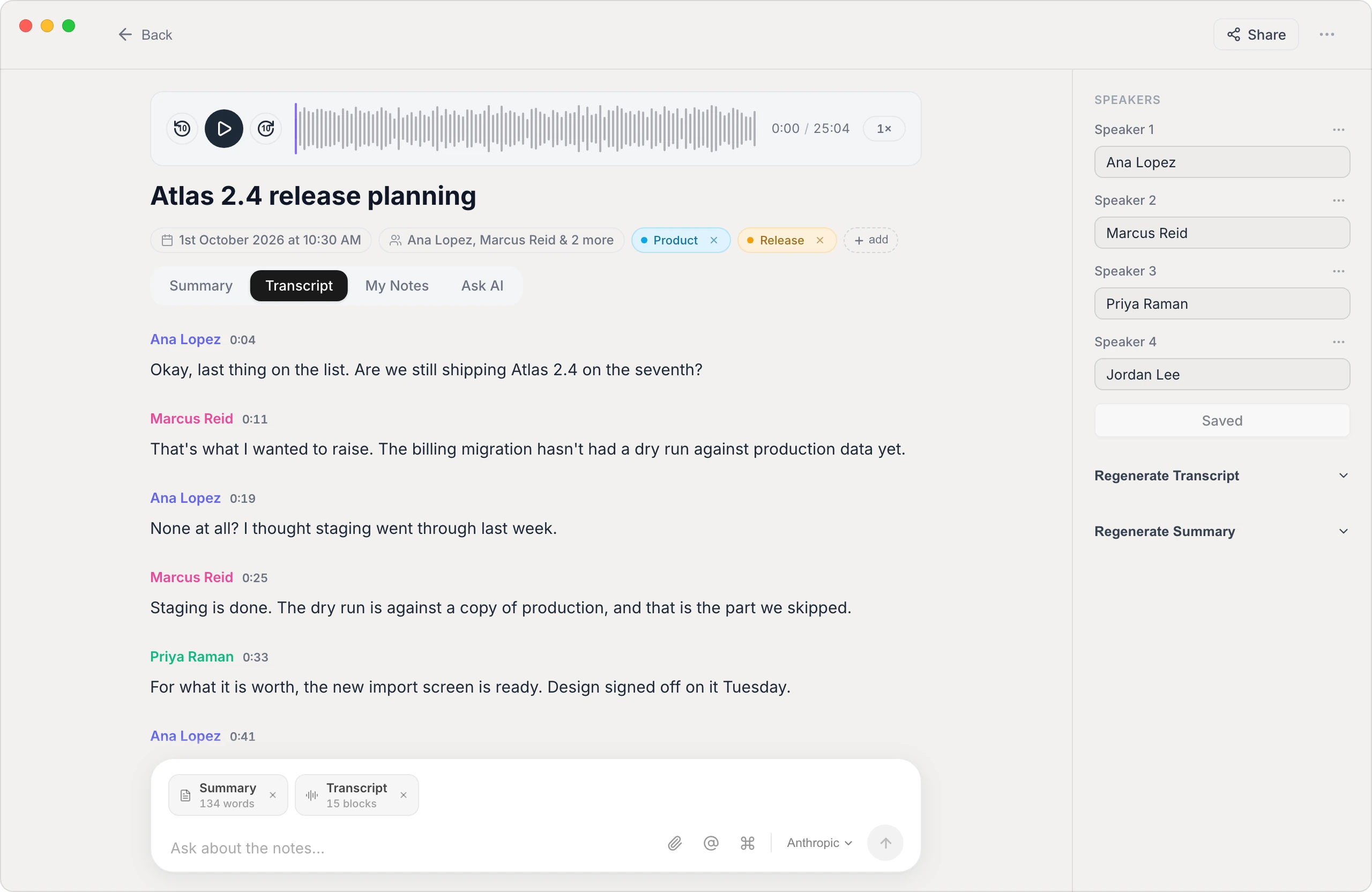
No account to sign up for. With on-device transcription, the audio and the speaker labels never leave your machine. Only the transcript you summarize reaches the AI model you connect.
Granola is a per-seat subscription that bills every month. Vowen is a one-time license with every future update included. Nothing to renew, no per-user math.
$49once
| Feature | Granola | Vowen |
|---|---|---|
| Scope and capture | ||
| AI meeting notes | Granola | Vowen |
| Bot-free capture (nothing joins the call) | Granola | Vowen |
| General dictation (anywhere on your computer) | Granola | Vowen |
| Voice commands (rewrite, translate, format) | Granola | Vowen |
| Voice shortcuts (launch apps, trigger actions) | Granola | Vowen |
| File transcription with SRT and VTT export | Granola | Vowen |
| Privacy and processing | ||
| On-device transcription | Granola | VowenOptional |
| Audio leaves your machine | GranolaYes | VowenLocal mode: no |
| Meeting audio retained | GranolaDiscarded after transcript | VowenOn your machine, with playback |
| SOC 2 | GranolaType II | Vowen |
| Meeting notes depth | ||
| Custom templates | Granola | Vowen |
| Ask AI about a meeting | Granola | Vowen |
| Ask across all your meetings | Granola | Vowen |
| On-device speaker labels in summaries | GranolaLimited | Vowen |
| Google Calendar | Granola | VowenPro |
| Send notes to your tools | Granola | VowenObsidian, webhooks, share links |
| Pricing | ||
| Free plan | GranolaAvailable (limited history) | Vowen10 notes, unlimited dictation |
| Paid plan model | Granola$14 to $35 / user / mo | Vowen$49 one-time |
| Per-seat | Granola | Vowen |
| Year 1 cost (1 user) | Granola$168+ | Vowen$49 |
| Lifetime updates | Granola | Vowen |
| Platforms | ||
| macOS | Granola | Vowen |
| Windows | GranolaMaturing | Vowen |
| iOS | Granola | VowenComing soon |
| Android | Granola | Vowen |
| Web app | Granola | Vowen |
Still deciding? Ask us anything.
Yes, with a wider scope. Granola is a focused, cloud-based meeting notetaker. Vowen captures meetings too, with the option to transcribe on-device, and also covers dictation, voice commands and voice shortcuts across your whole computer. If you only want meeting notes, Granola is more specialized. If you want voice beyond meetings, Vowen does more.
Granola's augment-your-own-notes workflow is purpose-built and very polished for back-to-back meetings, and it can answer questions across all your meetings. Vowen covers the core job: transcription, a template library, speaker labels in summaries, and Ask AI on each note, with the option to keep audio on-device. Granola is the more specialized notetaker. Vowen is the broader voice tool that also takes meeting notes.
Vowen gives you the choice. Transcribe on-device and the audio never leaves your machine; it stays in a recordings folder you choose, so you can play it back. Or use a cloud model with your own API key for tougher recordings. Summaries go to the AI model you connect, as text. Granola sends meeting audio to cloud providers (reported as Deepgram and AssemblyAI) for transcription, then discards it.
Yes. Vowen ships Mac and Windows builds with feature parity. Granola's Mac and iOS apps are its mature flagships, and its Windows build is newer and still catching up. If Windows is your primary machine, that difference is worth weighing.
Free to install. No account needed. Capture a meeting, then see what voice can do everywhere else.