
Convert MP3 audio to text
Got an .mp3 file? Drop it into Vowen and get an accurate, editable transcript — no upload, no per-minute caps, free to start on Mac and Windows.
Runs in the Vowen desktop app, on your Mac or PC, not in the browser. Free to download, no account. Looking for something to try right here? Test your microphone.
MP3 is universal, but it's still just audio
MP3 is the format almost everything ends up in: recorder apps, downloaded talks and podcasts, audio pulled from video, exported call recordings. It plays anywhere — but when you actually need the words, scrubbing back and forth through an .mp3 to find one line is slow, and most free web converters cap the length, watermark the output, or upload your file to someone else's server.
Vowen reads .mp3 directly and transcribes the whole file into clean, searchable text you can edit and export. Because transcription can run on your device, a private recording or a sensitive file never has to be uploaded anywhere, and there's no per-minute meter on local processing.
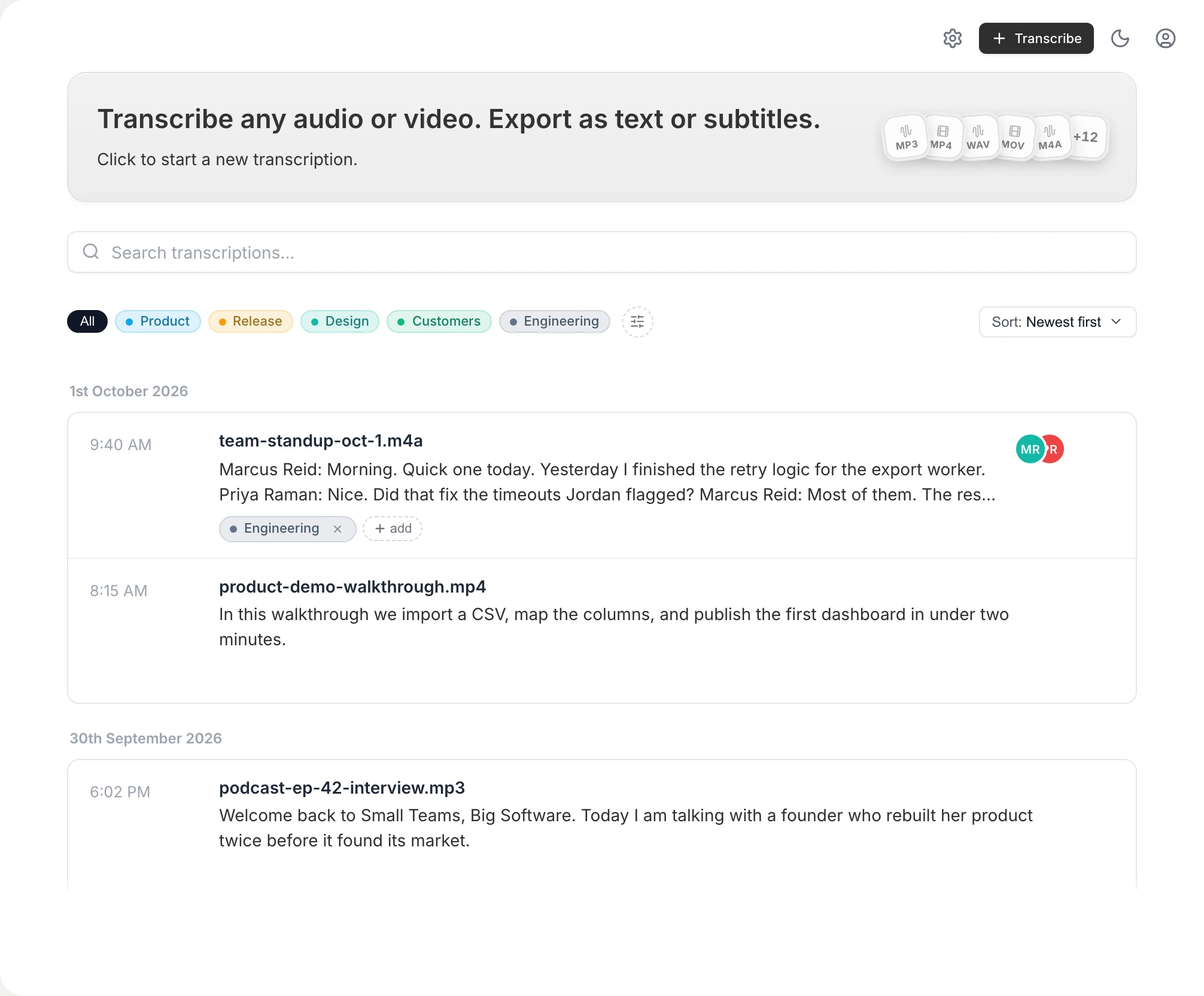
Built for real MP3 files, not demos
Reads .mp3 directly
No conversion step — Vowen transcribes .mp3 as-is, along with M4A, WAV, and most common audio and video formats.
On-device by default
Local transcription means your .mp3 stays on your machine. Cloud models are optional and only used if you turn them on with your own key.
Editable, searchable text
Get a real transcript you can correct, search, and copy — not a locked-away audio file you have to replay end to end.
No per-minute caps
Local processing isn't metered by the minute the way free web tools are, so a long .mp3, even an hour-long recording, counts as one file. The free plan includes 10 file transcriptions; Pro is unlimited.
How to convert MP3 to text
- 1
Download Vowen
Install the free app for macOS or Windows. No account required to get started.
- 2
Drop in your .mp3 file
Drag the MP3 into Vowen's transcription view — there's no need to convert it to another format first.
- 3
Get your transcript
Vowen transcribes the file on-device and shows the text, ready to read and search.
- 4
Edit and export
Fix any names or terms, then export to text, Markdown, PDF, or subtitles (SRT/VTT).
Common questions.
Still deciding? Ask us anything.
How do I convert an MP3 file to text?
Drop the .mp3 into Vowen and it transcribes the audio into editable text on-device. There's no conversion step — Vowen reads MP3 directly, so you don't need to turn it into another format first.
Is my MP3 file uploaded anywhere?
Not by default. Vowen transcribes on-device, so your file stays on your computer. Cloud models are optional and only used if you enable them with your own key.
Is there a length limit on the MP3?
No hard limit. Local transcription isn't metered per minute, so you can transcribe a long recording without hitting a cap — longer files just take more time.
Can I transcribe other audio formats too?
Yes. Alongside MP3, Vowen reads M4A, WAV, and most common audio and video formats. If you specifically have an .m4a file, see our guide to converting M4A to text.
More in Tools.
Convert WAV audio to text
Got a .wav file? Drop it into Vowen and get an accurate, editable transcript — no upload, no per-minute caps, free to start on Mac and Windows.
OpenText expanderType a shortcut. Get the whole thing.
Vowen includes a system-wide text expander: type :addr, :sig, or any shortcut you invent, and it instantly becomes the full text — in email, docs, chat, every app on your Mac or Windows PC. One tool for the things you say and the things you retype.
OpenMeeting minutesFrom meeting to minutes, without typing through it
Vowen records the meeting, transcribes it on your own computer with every speaker labeled, and drafts a structured summary — decisions, action items, who said what — that you review and turn into the official minutes. On Mac and Windows, with a one-time price.
Open
Convert your MP3 to text now
Download Vowen free and turn any .mp3 into clean, editable text on your own device.